Making Chat Async
Chat defaults to feeling synchronous. A message arrives and it feels like someone is waiting. It doesn’t have to work that way — but changing it takes more than just deciding to respond slower.
Culture first
Async only works if everyone’s agreed, at least implicitly, that responses don’t need to be immediate. Without that shared norm, everything still feels urgent.
When I’m asking something that isn’t time-sensitive, I say so: “No rush — just getting some info for later.” It signals I’m not waiting on them and gives them permission to respond whenever.
When someone asks me something while I’m in the middle of something else, I drop a quick acknowledgment: 👁️ “Busy today — I’ll circle back later, that okay?” One message, no guilt, thread stays alive.
Once this becomes the norm, nobody expects instant responses unless there’s a real reason to.
The tools that help
The hardest part of async is not forgetting things. A few Slack tools make this practical:
- Save for later — flag a message to revisit, no reply needed now
- Reminders — have Slack re-ping a message at a better time
- Calendar events — for things that need dedicated attention
Acknowledge now, reply when your head is free.
The rule that changes everything
Ban private DMs for work topics.
Everything work-related goes in a channel — one that’s relevant to the project or question. This is the hardest habit to establish and the most important one.
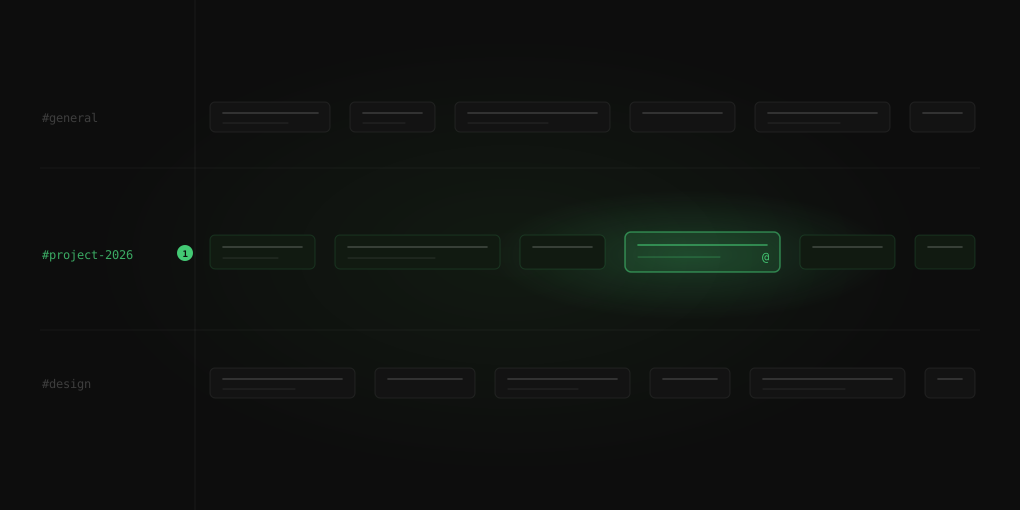
When everything lives in channels, you can glance at your sidebar and see “#project-2026 has unreads” and decide whether to engage now or later. If you’re heads-down or on another project at the moment, you wait. If someone needs you specifically, they @mention you — that pings differently. Some channels you can safely ignore until you see an unread with a mention.
Private chats break all of this. The pressure to respond immediately creeps back in, and the knowledge disappears into a thread nobody else can see. The exceptions should be rare: close collaborators chatting informally, genuinely personal stuff. Everything else belongs in a channel.
When async isn’t working: just huddle
Sometimes a thread goes back and forth ten times and gets nowhere. When that happens, call it: “Let’s huddle.”
In Slack, a channel huddle is a quick voice chat inside the channel — anyone following the conversation can drop in if they’re free. It’s async and sync coexisting in the same space: default to async, switch to voice when it’s clearly the better tool.
That’s the whole system: build the culture, use the tools, keep work in channels, and call a huddle when async isn’t cutting it. When it clicks, Slack stops feeling like an obligation and starts feeling like a place you check when you’re ready.